
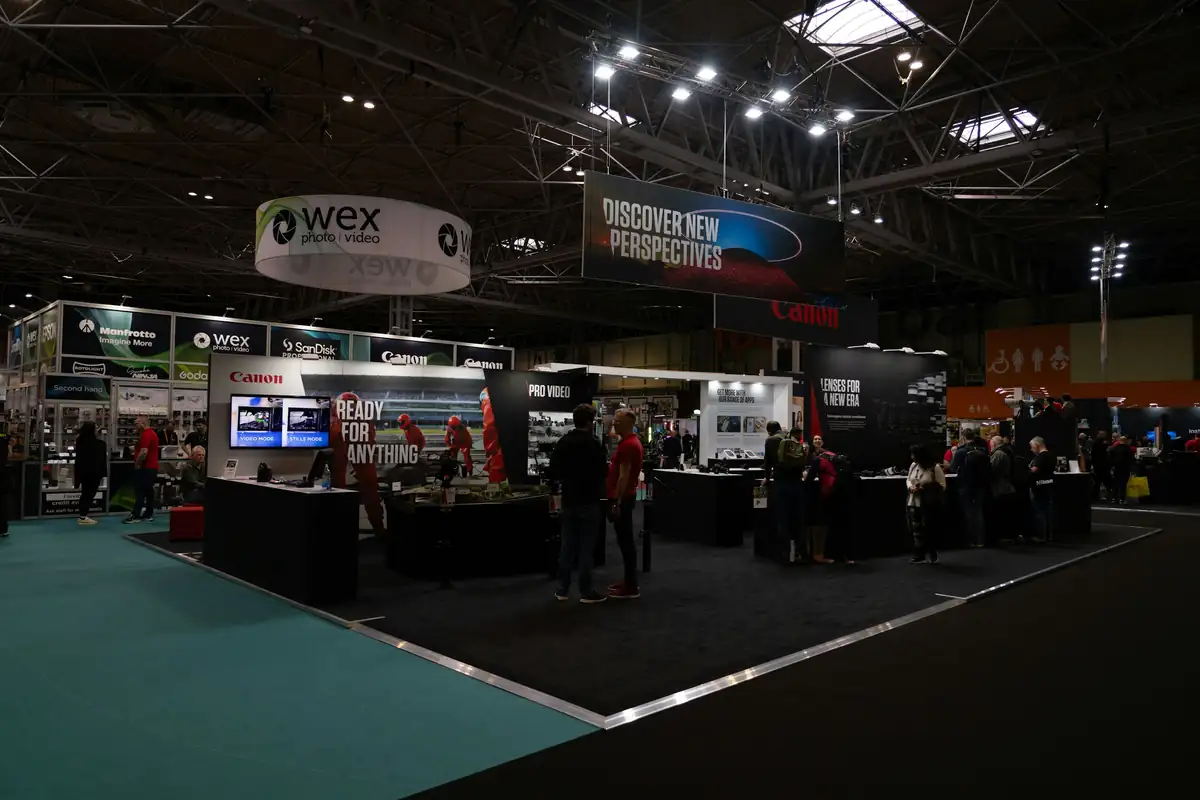
Manage exhibitor bookings for your trade show
Exhibitors apply, choose their package and submit their catalogue details. You manage the floor plan and create invoices from their bookings.
Features
Tools for managing your exhibitors
Stand packages and extras
Set fixed package prices, charge by square metre or let exhibitors combine options. Offer electricity, Wi-Fi or signage as add-ons.
Exhibitor catalogue details
Exhibitors submit their logo, company description and catalogue details. You review the submissions before publication.
Exhibitor profiles
Visitors can read each exhibitor's public company profile before and during the event.
Invoicing
Create invoices from booked packages and add-ons. Add individual line items or discounts and download the invoice as a PDF.
Organising a trade show with Konvio
Before the show
Track available and booked stands
Review exhibitor applications and assign stands on the floor plan. You can see which stands are reserved, booked or available.
- Open exhibitor applications or send targeted invitations
- Collect applications with package and add-on choices
- Collect catalogue details and approve company profiles
During the show
Record attendance through scans
Visitors scan event codes with their phones. The first scan from a registered device records attendance, so you can compare registrations with recorded scans.
- Exhibitors view the floor plan and event details in the app
- Visitors find exhibitors and their stands in the app
- Exchange messages with exhibitors in Konvio
After the show
Invoice booked packages and extras
Create exhibitor invoices from the agreed package and add-on prices. Review the line items before sending each invoice.
- Invoice exhibitors for their packages and extras
- Keep exhibitor records for future events
- Copy the event setup for the next trade show
See how Konvio handles trade show bookings
We will walk you through an exhibitor application, stand selection and the invoice that follows.
Other types of events
Career fairs
Organise your career fair with exhibitor applications, stand bookings and an app where students can find employers.
Consumer expos
Organise your consumer expo with exhibitor applications, public company profiles and a visitor app.
Networking events
Plan company invitations, contact exchange and announcements for your networking event with Konvio.
Conferences and workshops
Manage speaker proposals, session schedules and sponsor bookings for your conference with Konvio.