
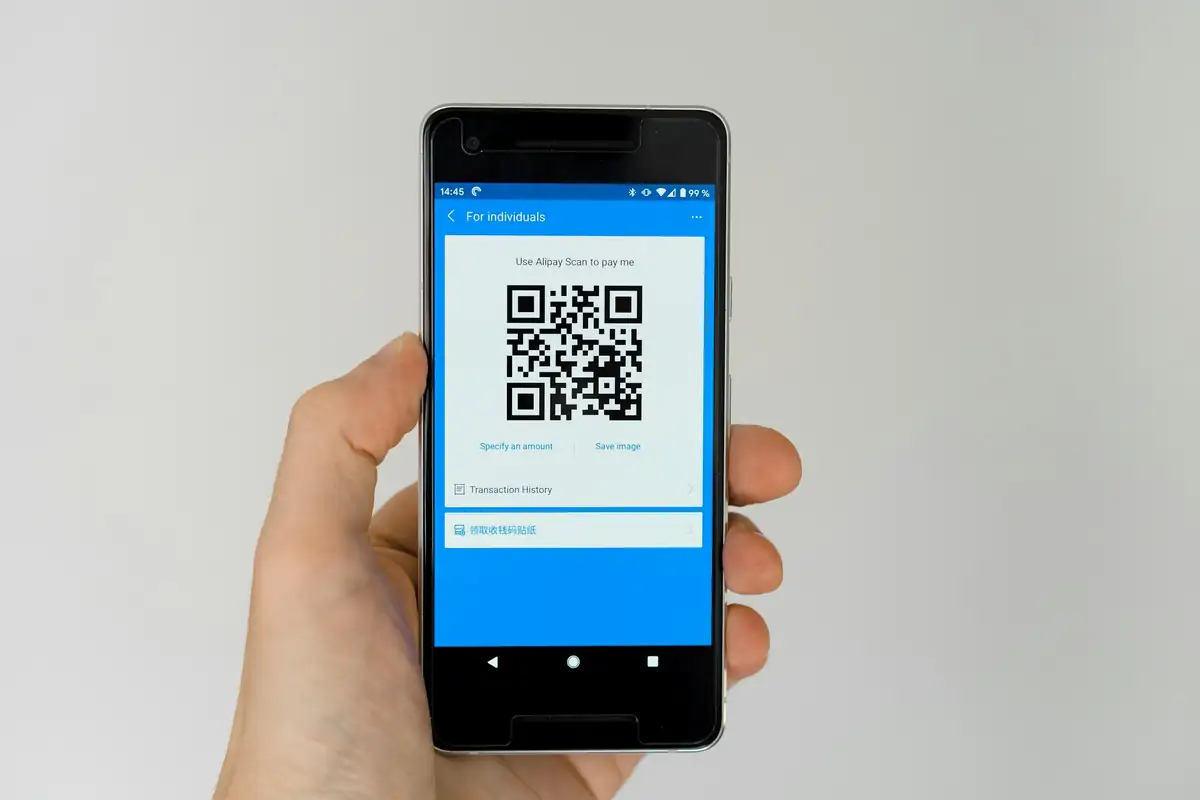
Download the booth codes together
Generate a set of QR codes for your exhibitors. Each code opens the company's page on a visitor's phone. The codes are prepared together for download.
- A QR code for each exhibitor
- Direct links to company pages
- All codes in a single download
Link codes to map points
Place scan points on the floor plan and generate a code for each one. A separate code opens the event page and can be used on posters or in the printed programme.
- Scan points placed on the floor plan
- Event page code for printed materials
- Recorded scans available in analytics
Print prepared A4 handouts
Use the prepared visitor and exhibitor sheets with QR codes and event details. Open the sheet in your browser to print it or save it as a PDF.
- Separate A4 sheets for visitors and exhibitors
- QR code and event details included
- Print or save as PDF from the browser
Explore more:
NFC tags, Footfall counting