
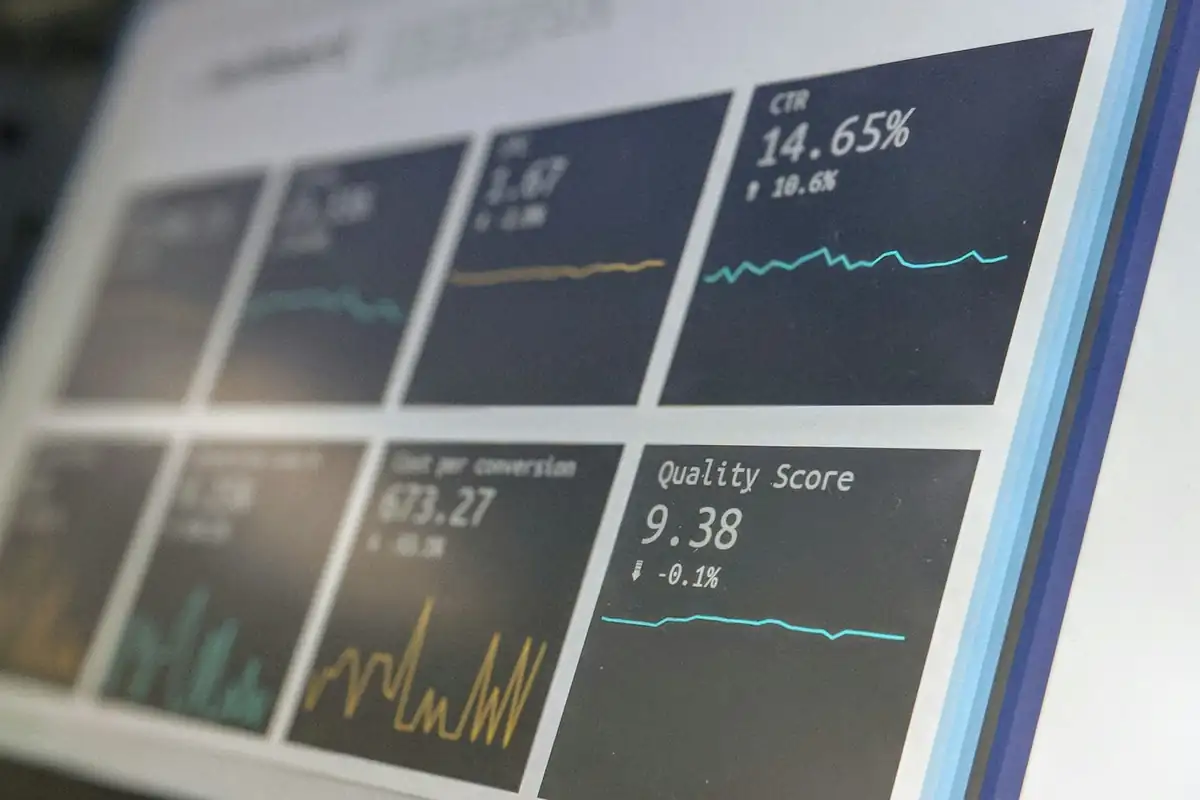
Check the current figures
See how many visitors have registered and which registrations have a first scan. Booking reports show revenue from confirmed exhibitor bookings.
- Registrations and recorded first scans
- Revenue from confirmed bookings
- Reports available during the event
See how people reach your event site
See page visits by source. Use separate short links and QR codes for your campaigns and printed materials to distinguish their traffic.
- Page visits by source
- Separate codes for printed materials
- No tracking parameters on your links
Compare editions
Compare exhibitor counts and confirmed booking revenue across editions of the same series. Website traffic charts also let you compare visits with an earlier edition.
- Compare editions of the same series
- Exhibitor counts and confirmed booking revenue
- Website traffic compared by event day