
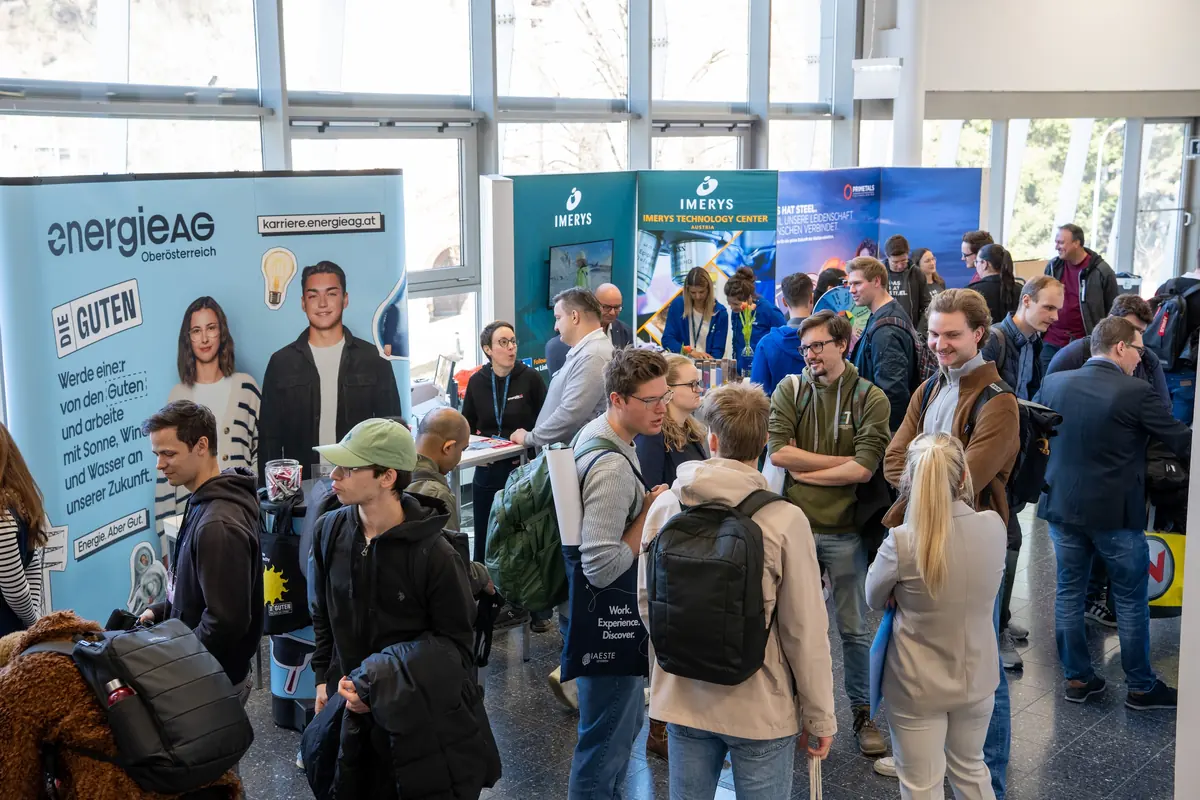
Organise your career fair in Konvio
Employers apply and choose a stand on your floor plan. Students find company profiles and the programme in the event app. You can copy the halls, prices and programme for next year's fair.
Features
Tools for organising your career fair
Exhibitor application forms
Ask employers for company details, job categories, stand preferences and team information in a form you configure.
Stand assignment
Assign stands yourself, let exhibitors choose an available stand, or offer stands through bidding.
Exhibitor history in your CRM
See which events each employer has attended. Returning exhibitors can start their application with details from their previous submission.
Event app for students
Students install the app from their phone's browser to browse employers, find stands on the map and exchange contact details.
Organising a career fair with Konvio
Before the fair
Manage applications and stand bookings
Invite employers, review their applications and assign confirmed exhibitors to stands. The floor plan shows which spaces are still available.
- Invite exhibitors and track their replies
- Collect applications with package and add-on choices
- Assign stands and collect catalogue details
During the fair
Students scan with their own phones
Students scan event codes with their phones. For registered devices, the first scan records attendance. You can see how many registrations have a recorded scan.
- Exhibitors with lead capture enabled collect contact details
- Students find employers and stands in the event app
- Organizers review registrations and recorded scans
After the fair
Create invoices from stand bookings
Konvio takes package and add-on prices from each booking when you create an invoice. Exhibitors with lead capture enabled can export their contacts as a CSV file.
- Generate invoices for exhibitor packages
- Exhibitors export their collected contacts as CSV
- Review the results when planning the next fair
No download, no app store: after one scan the students had the whole fair on their phone.
 Lukas Fussenegger
Project lead, TECONOMY Leoben 2026
Lukas Fussenegger
Project lead, TECONOMY Leoben 2026
See Konvio for your next career fair
We will show you how applications, stand selection and invoicing work, and what you can copy for the next fair.
Other types of events
Trade shows
Manage exhibitor applications, floor plans and invoices for your B2B trade show with Konvio.
Consumer expos
Organise your consumer expo with exhibitor applications, public company profiles and a visitor app.
Networking events
Plan company invitations, contact exchange and announcements for your networking event with Konvio.
Conferences and workshops
Manage speaker proposals, session schedules and sponsor bookings for your conference with Konvio.